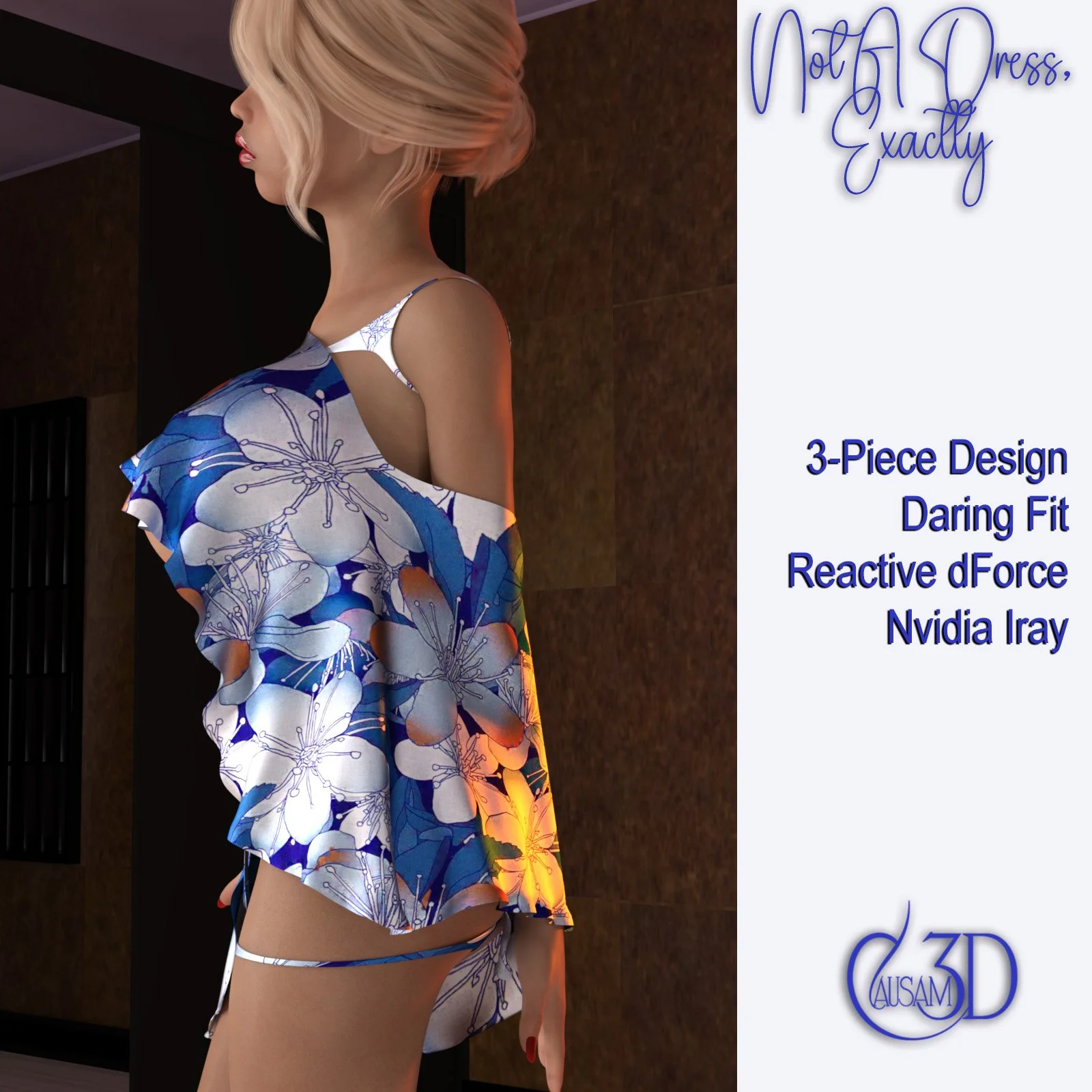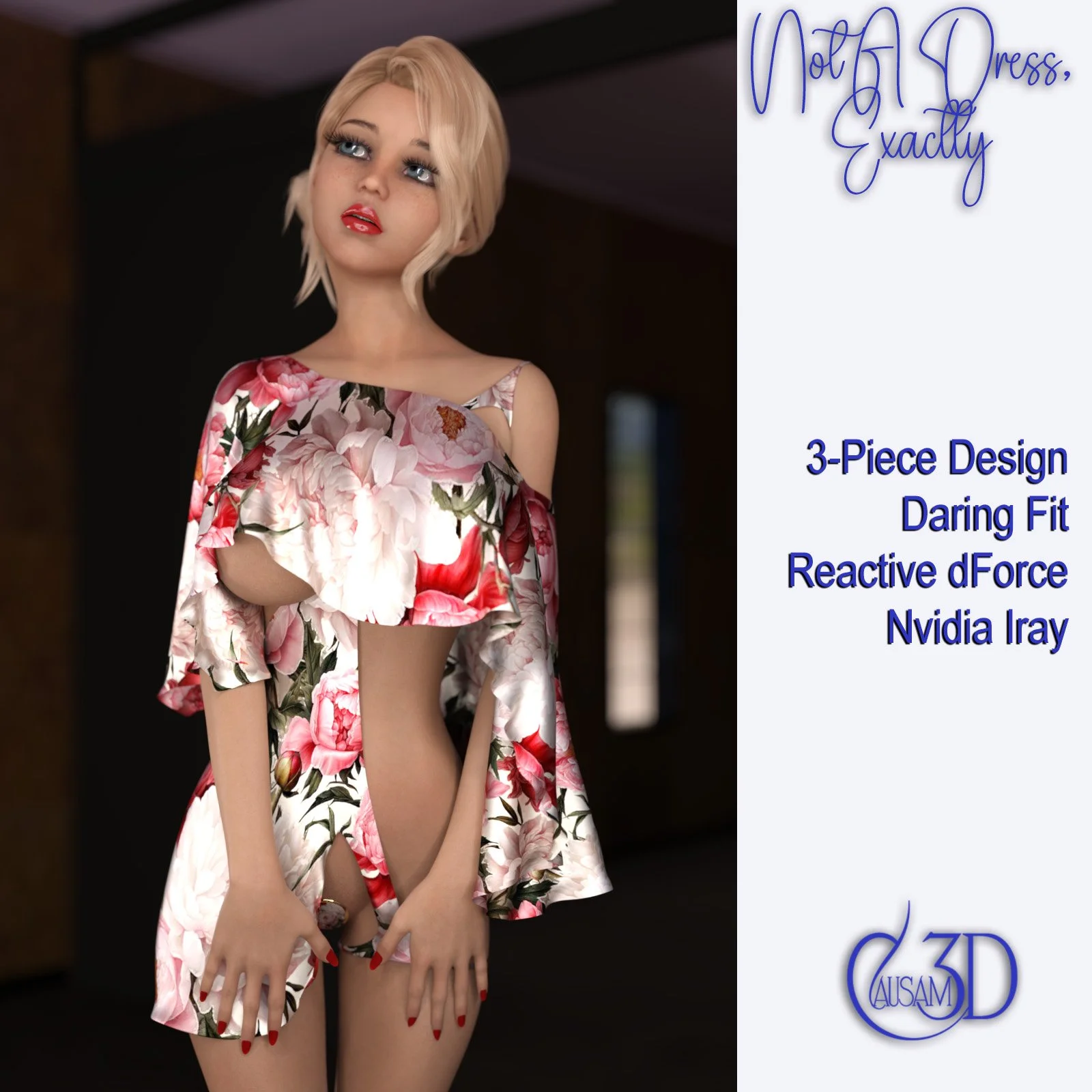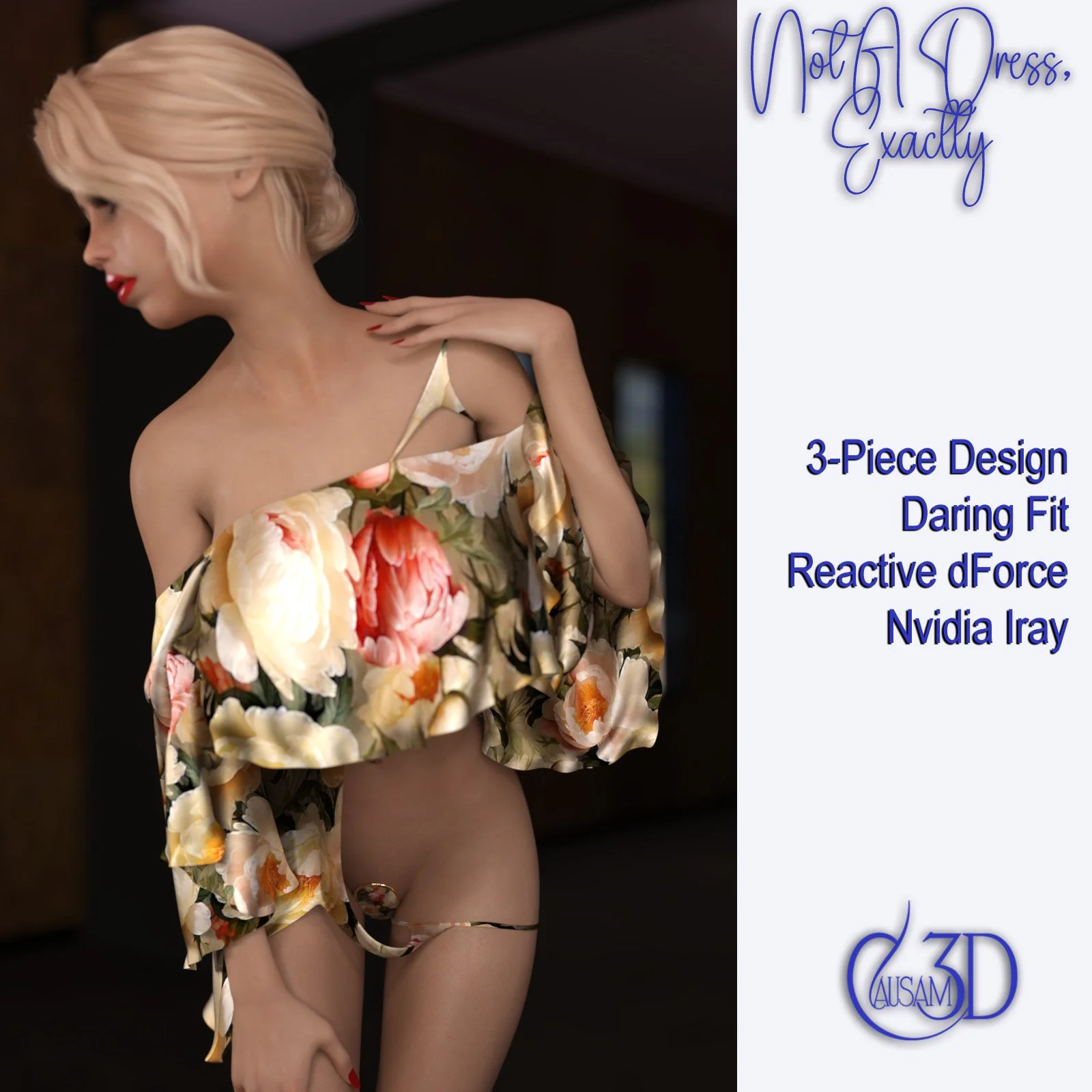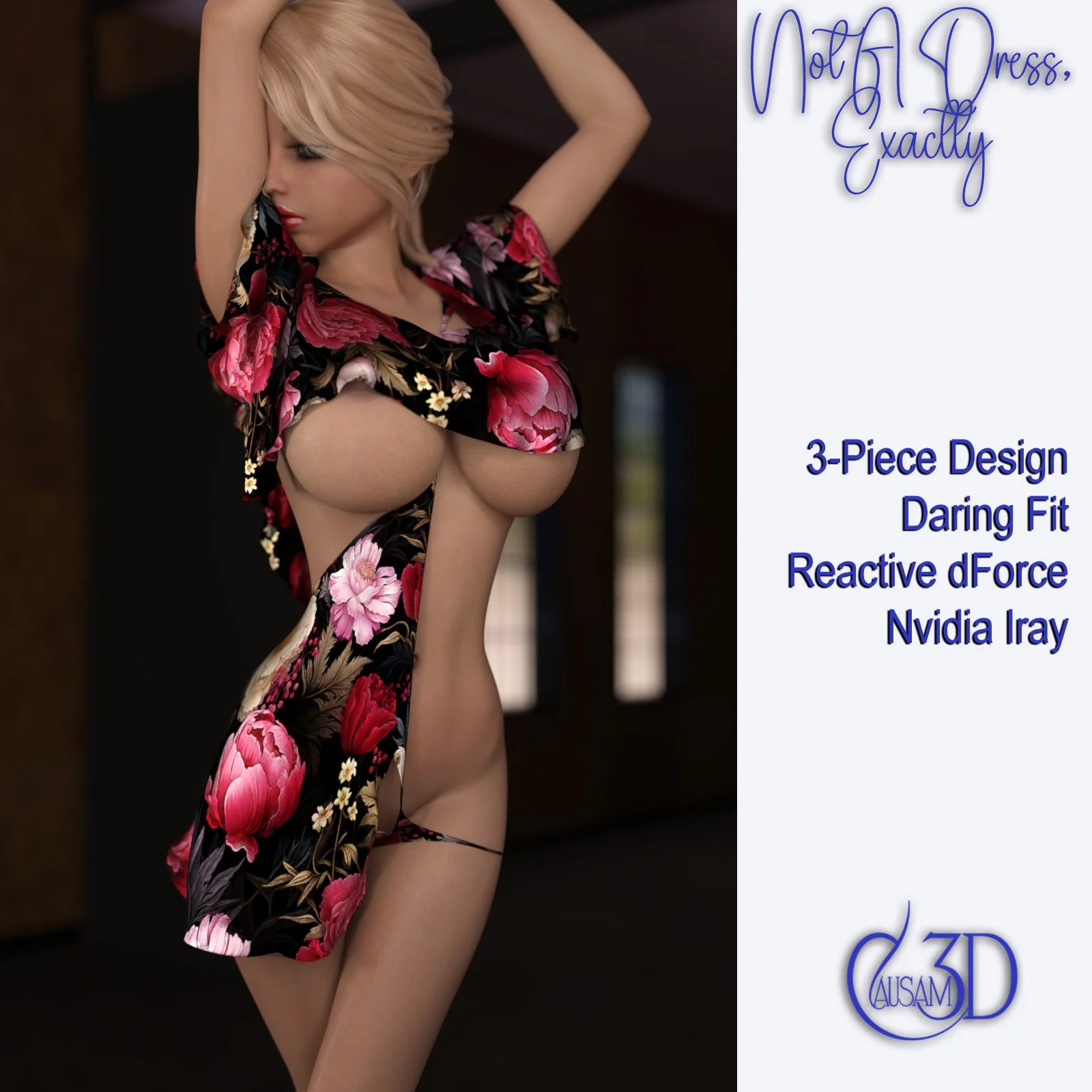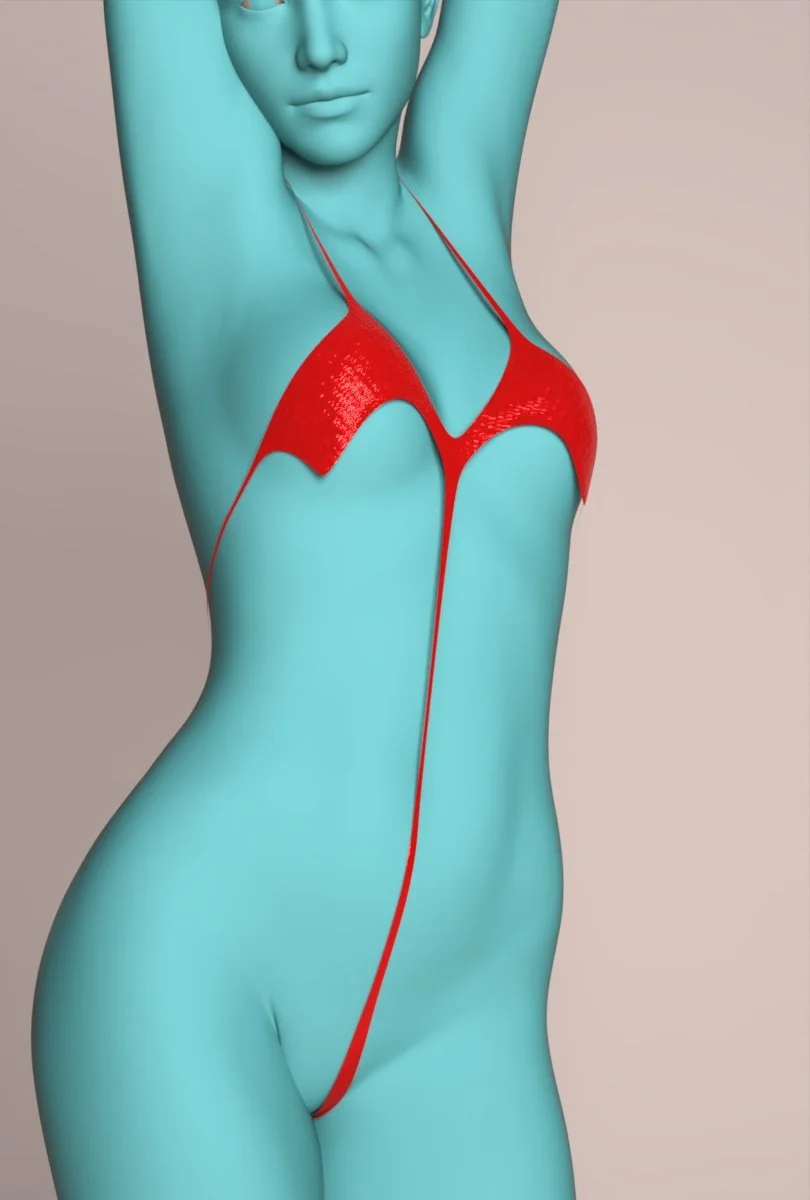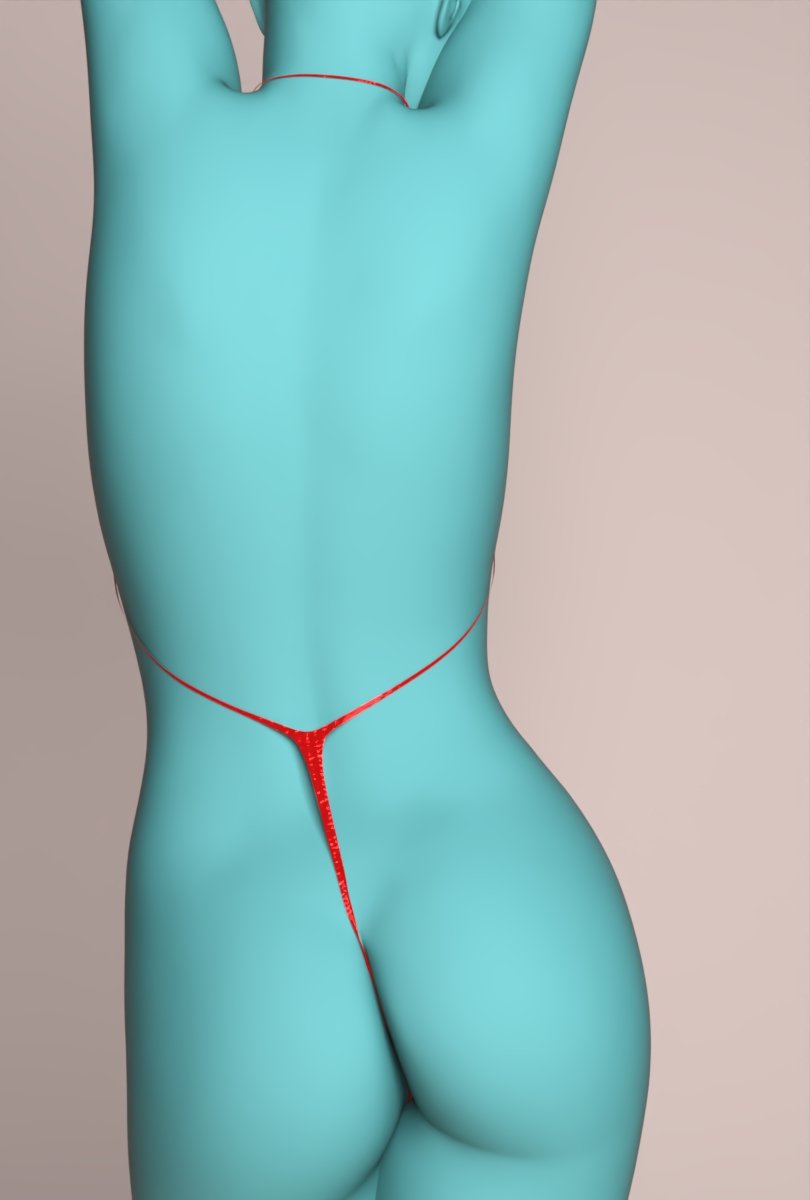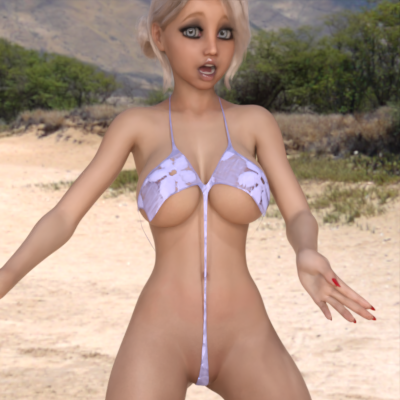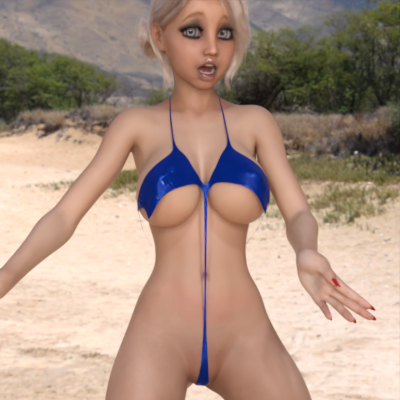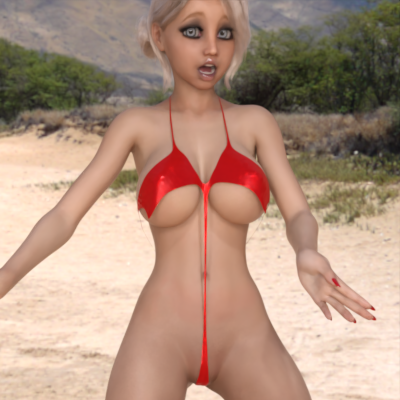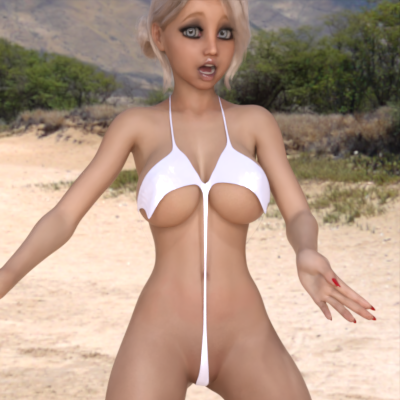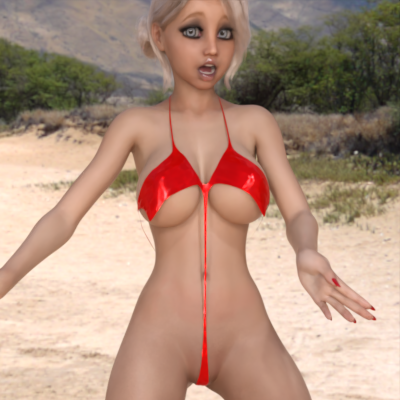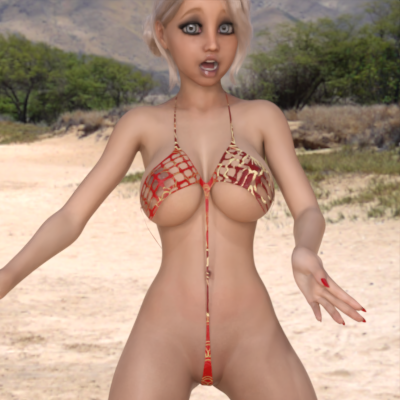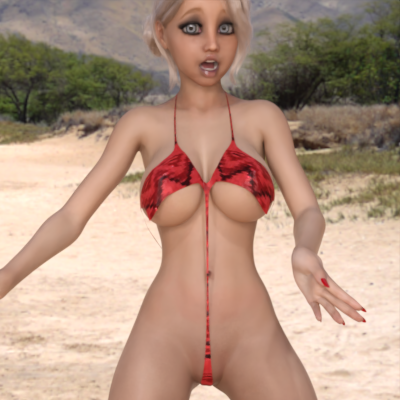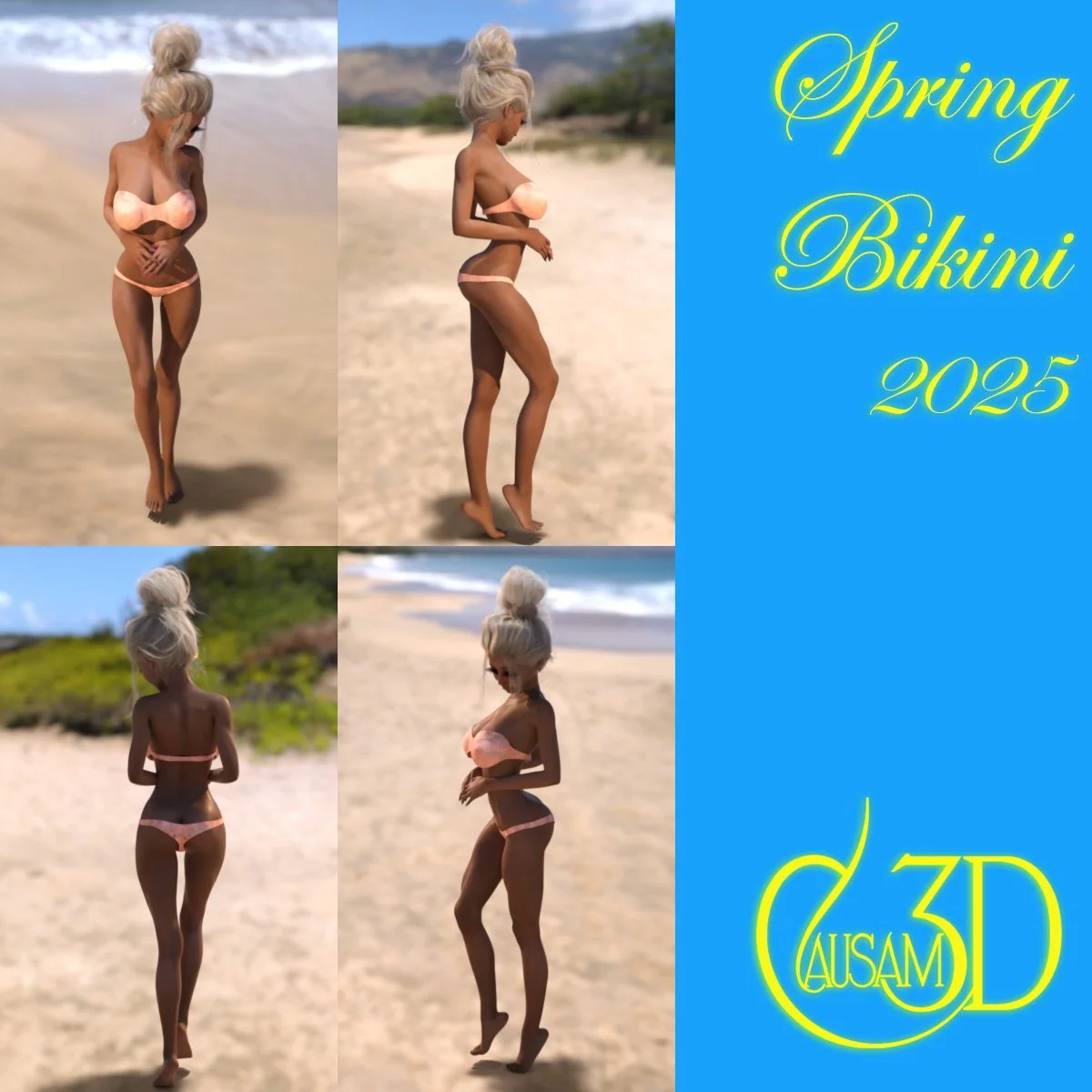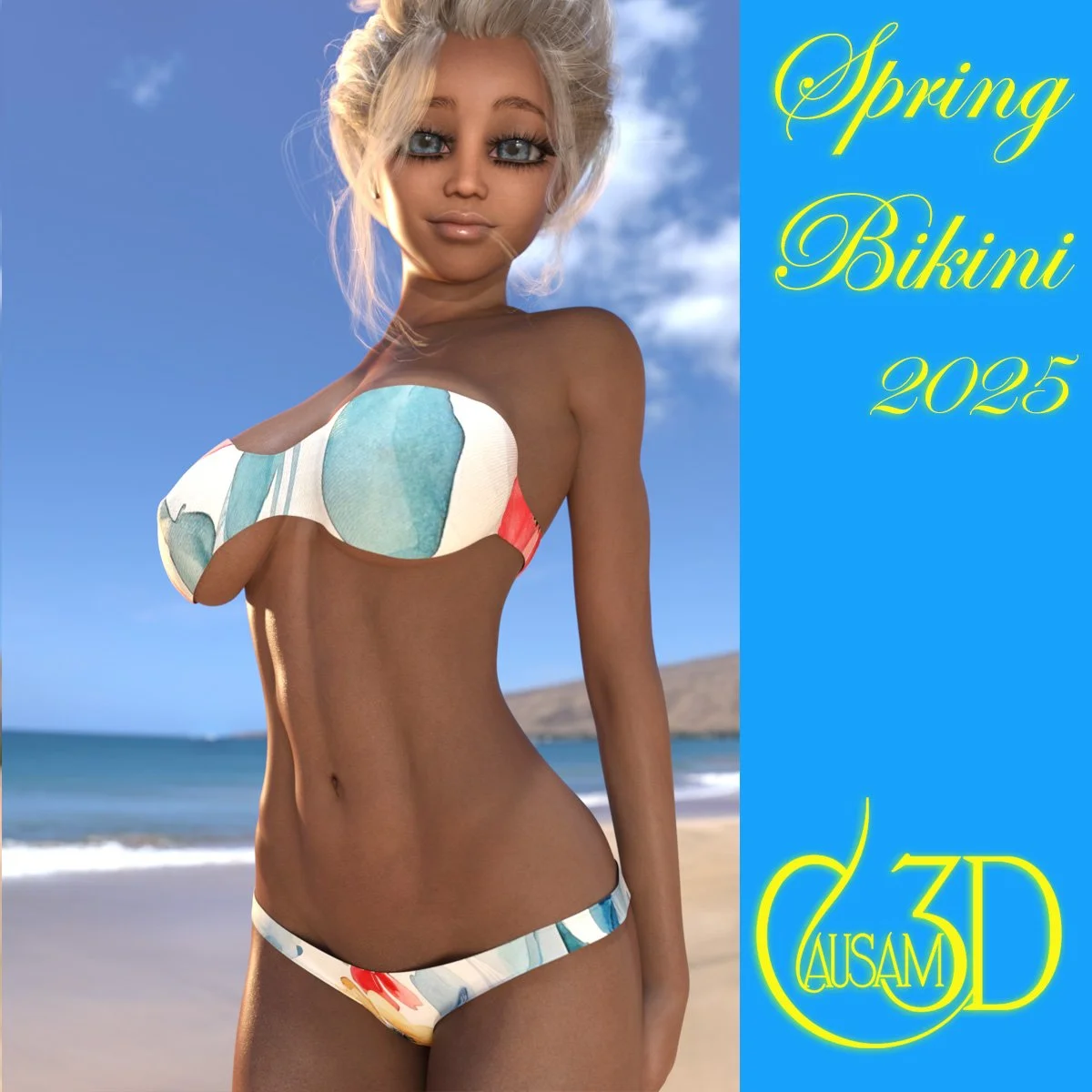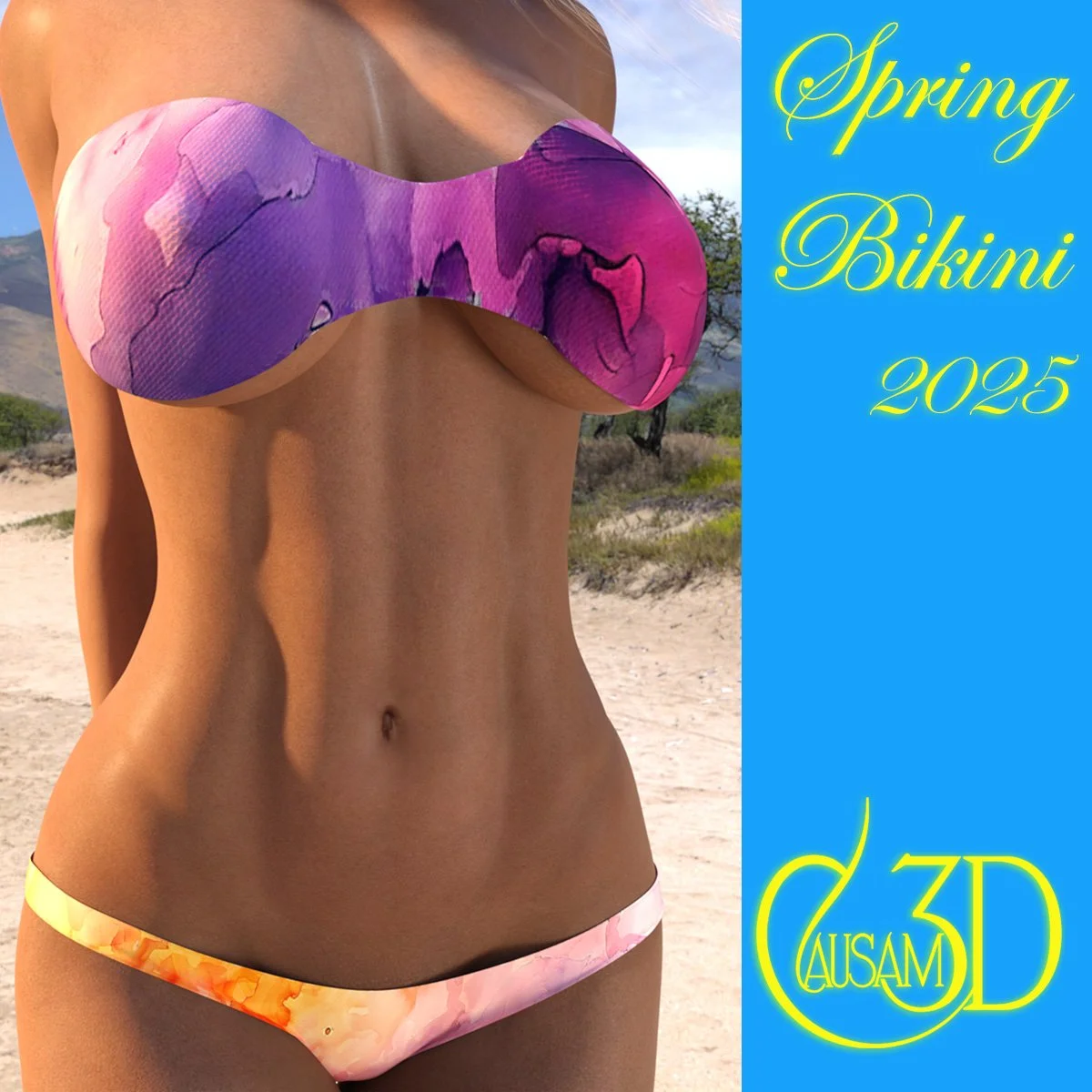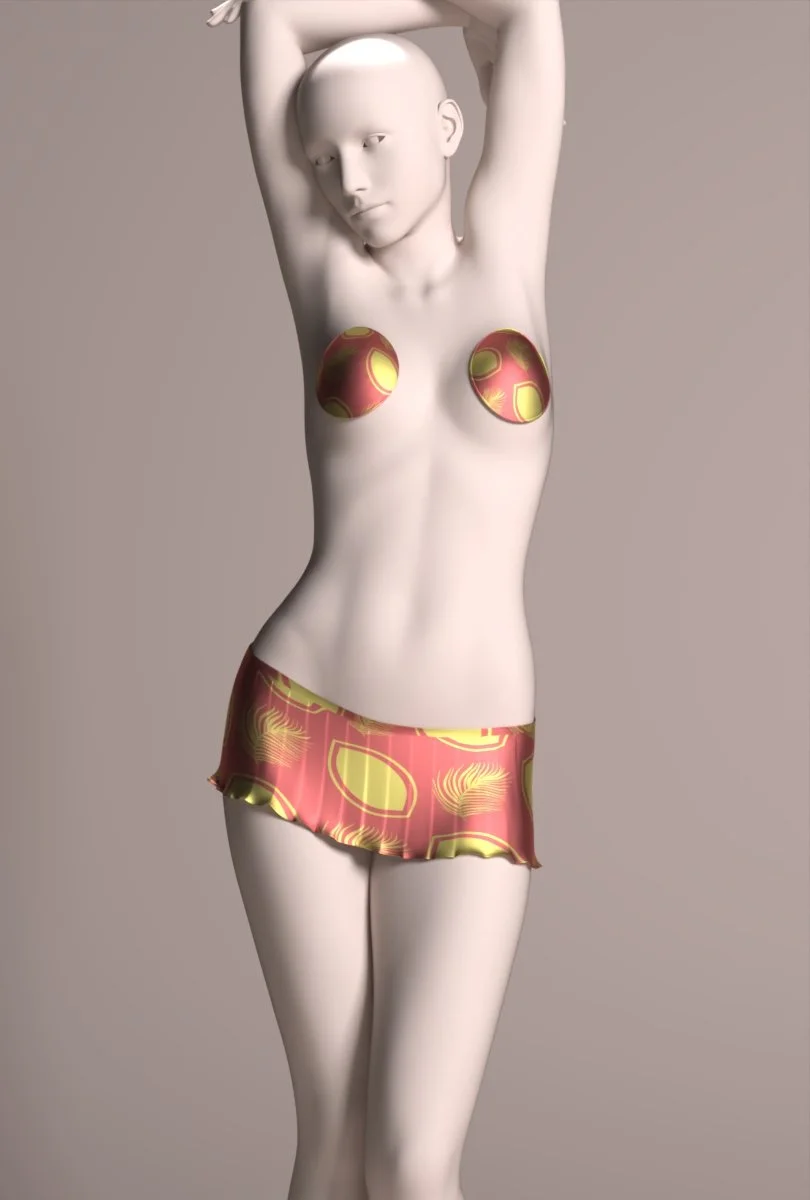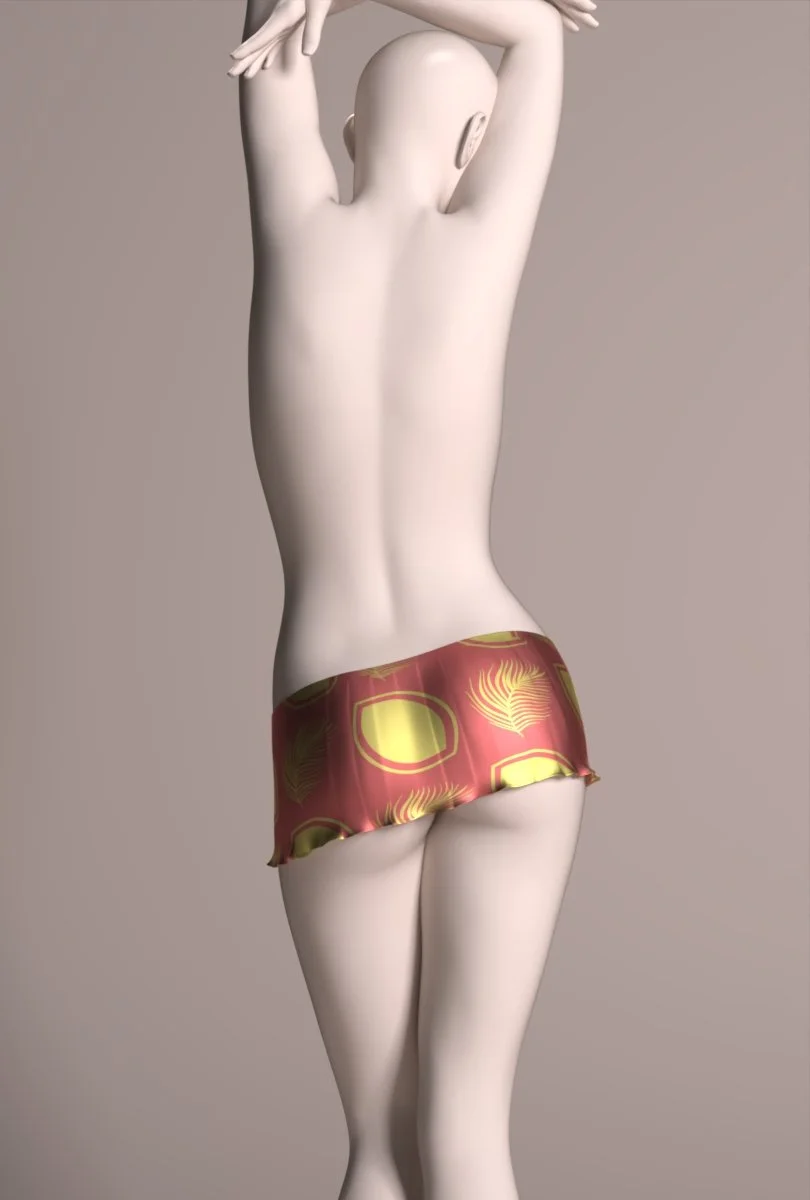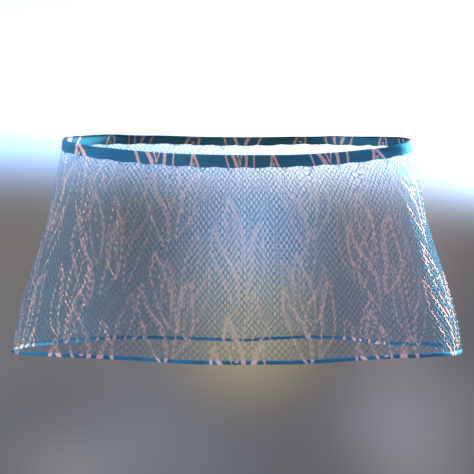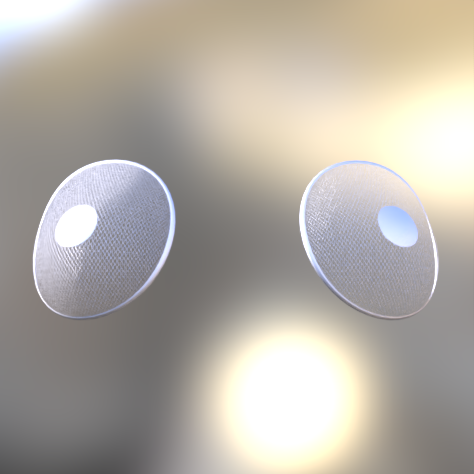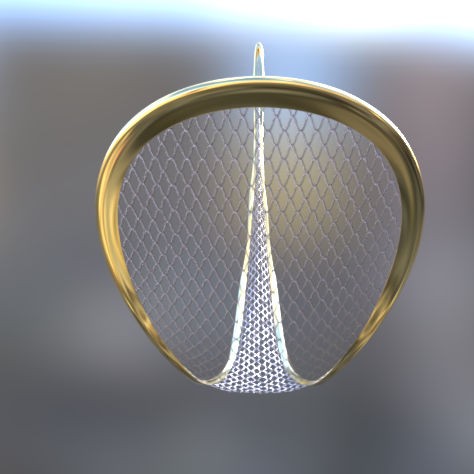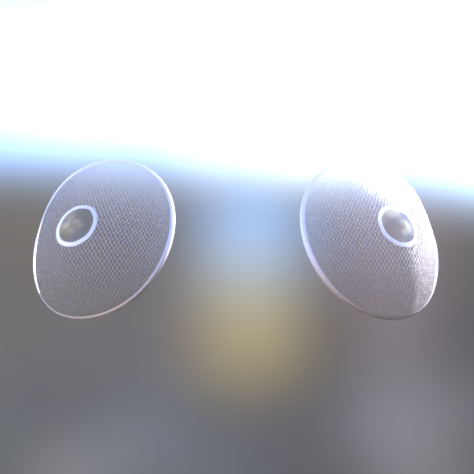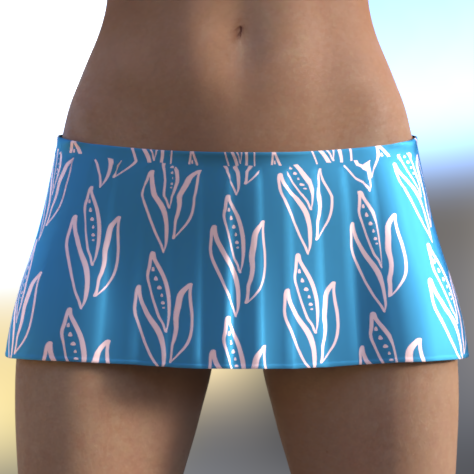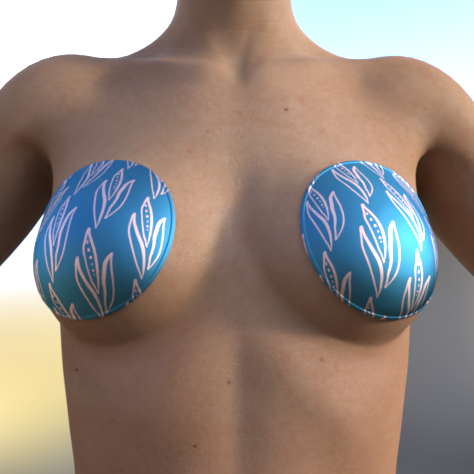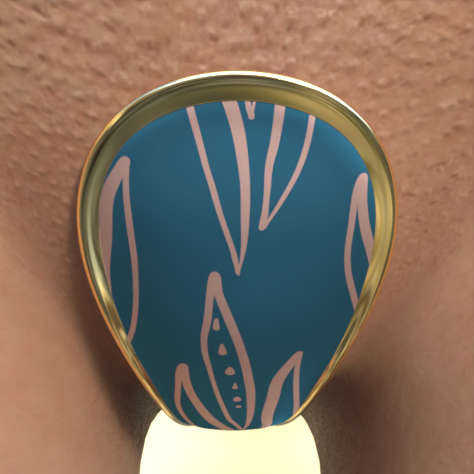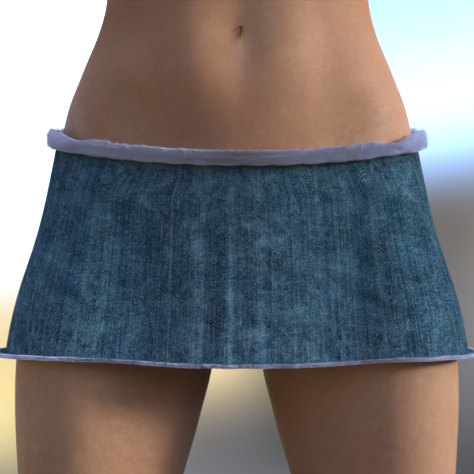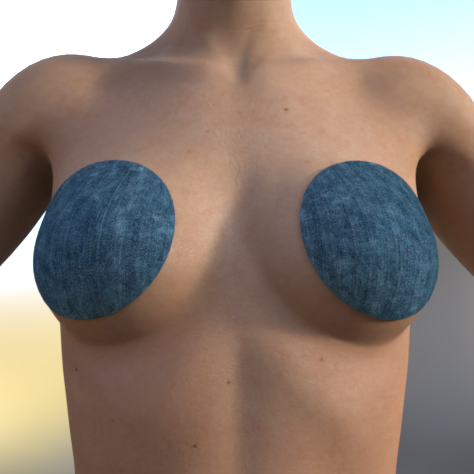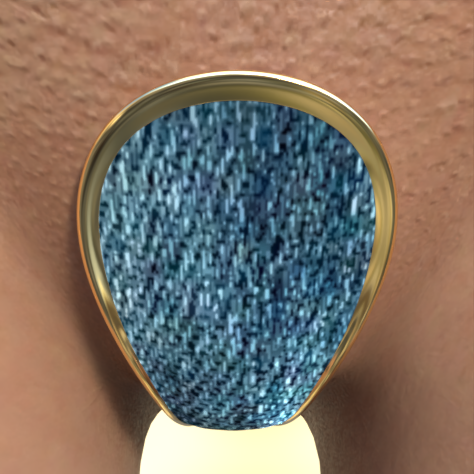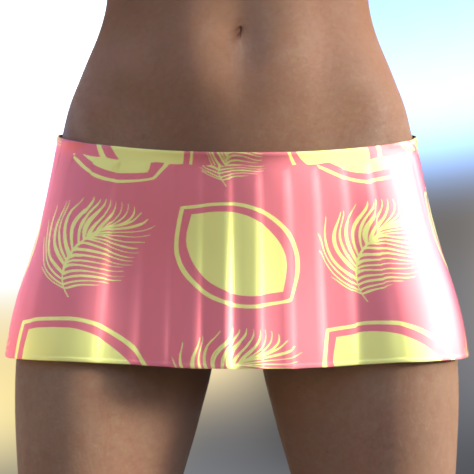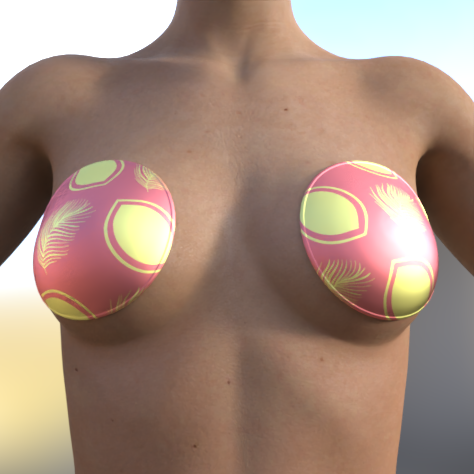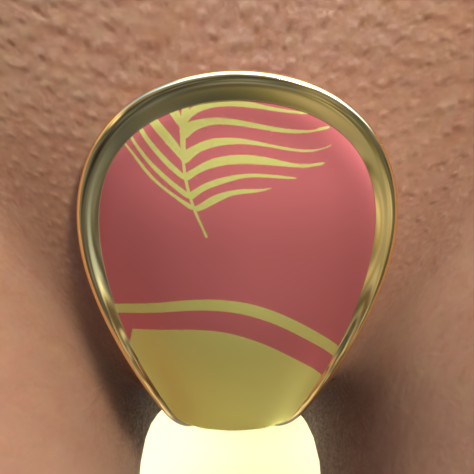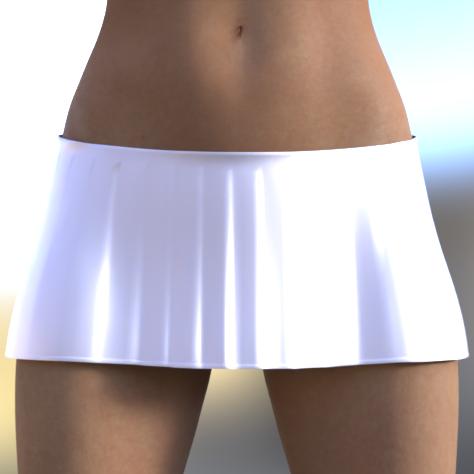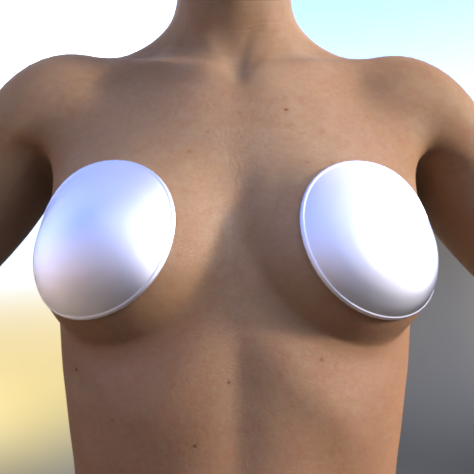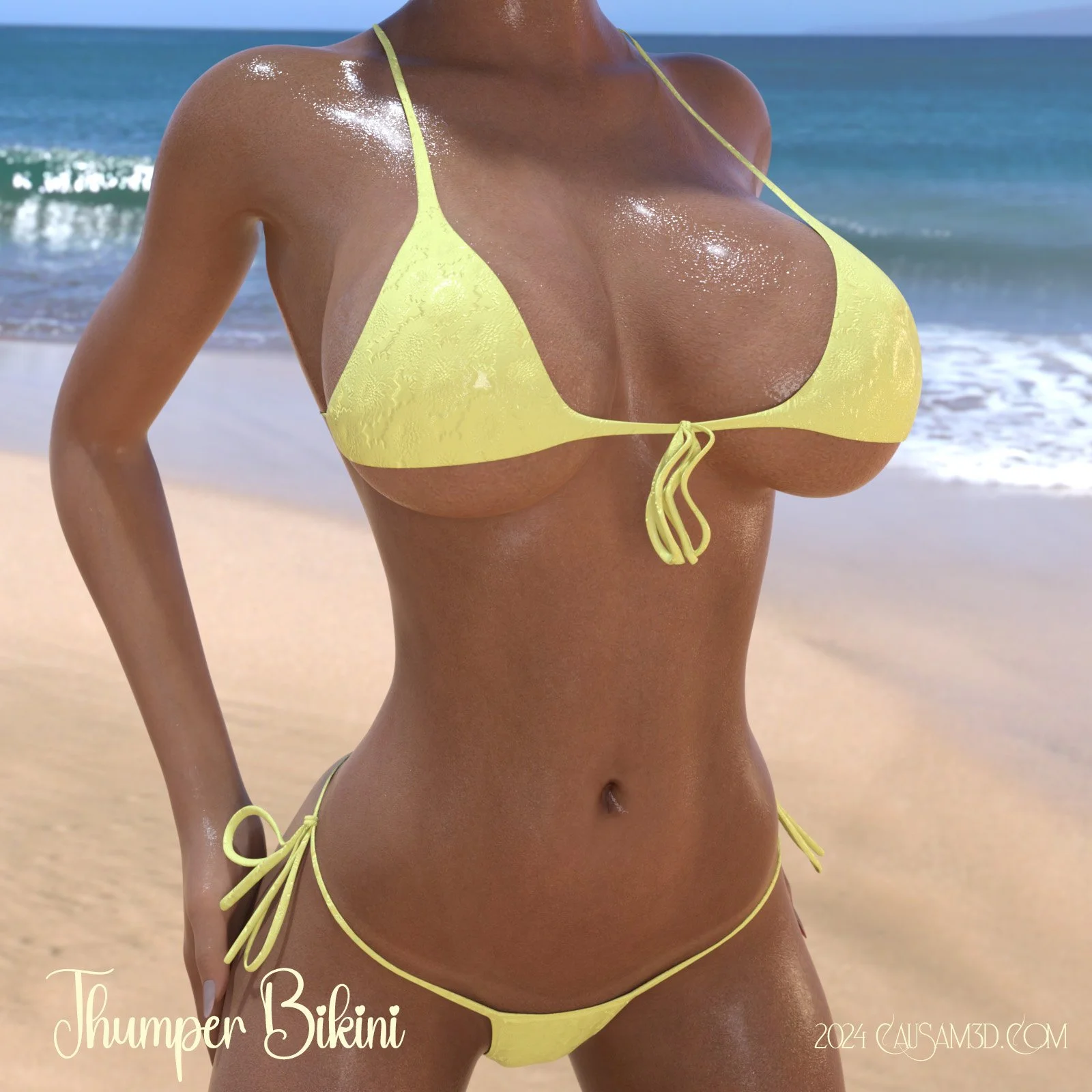
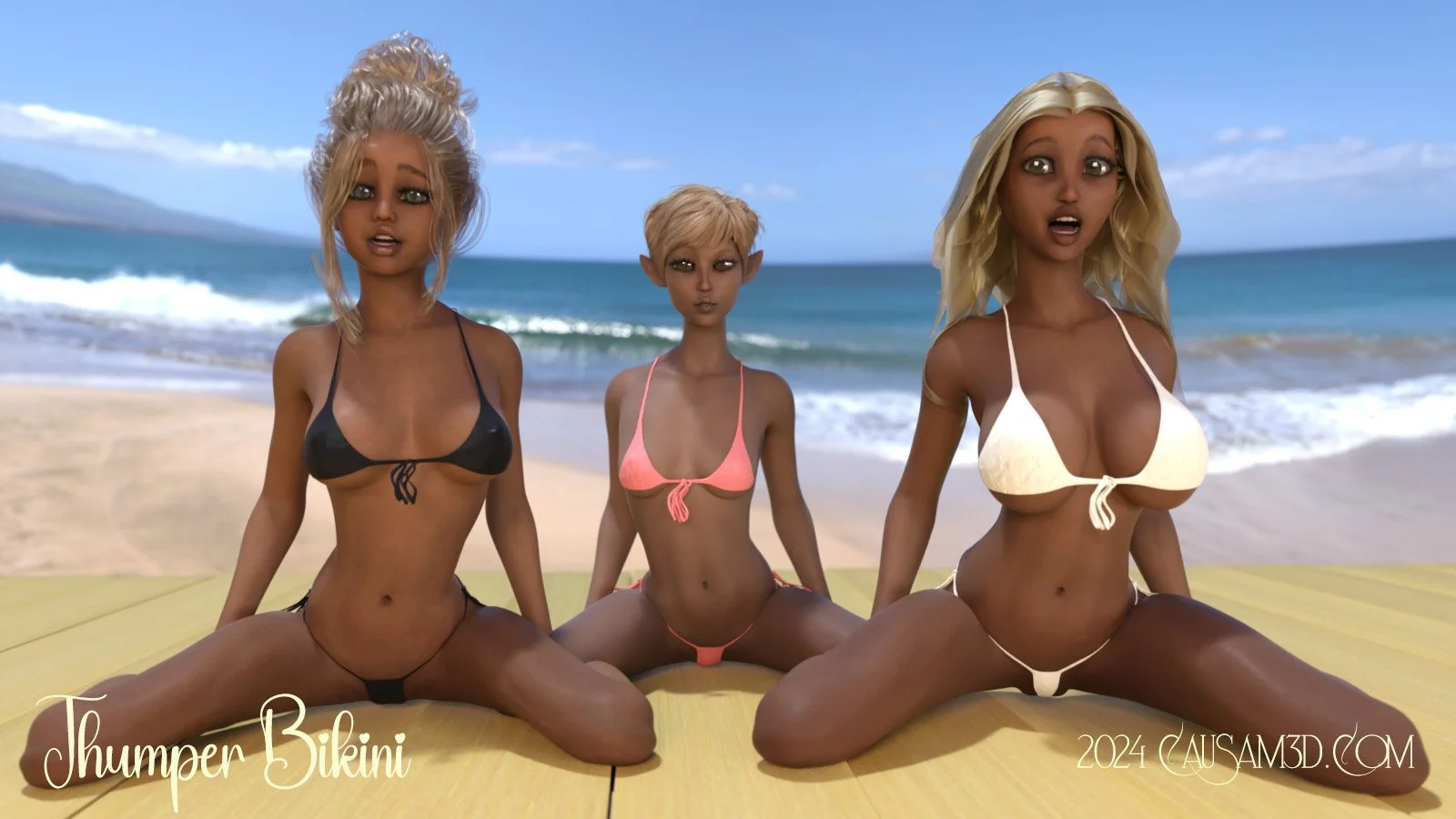



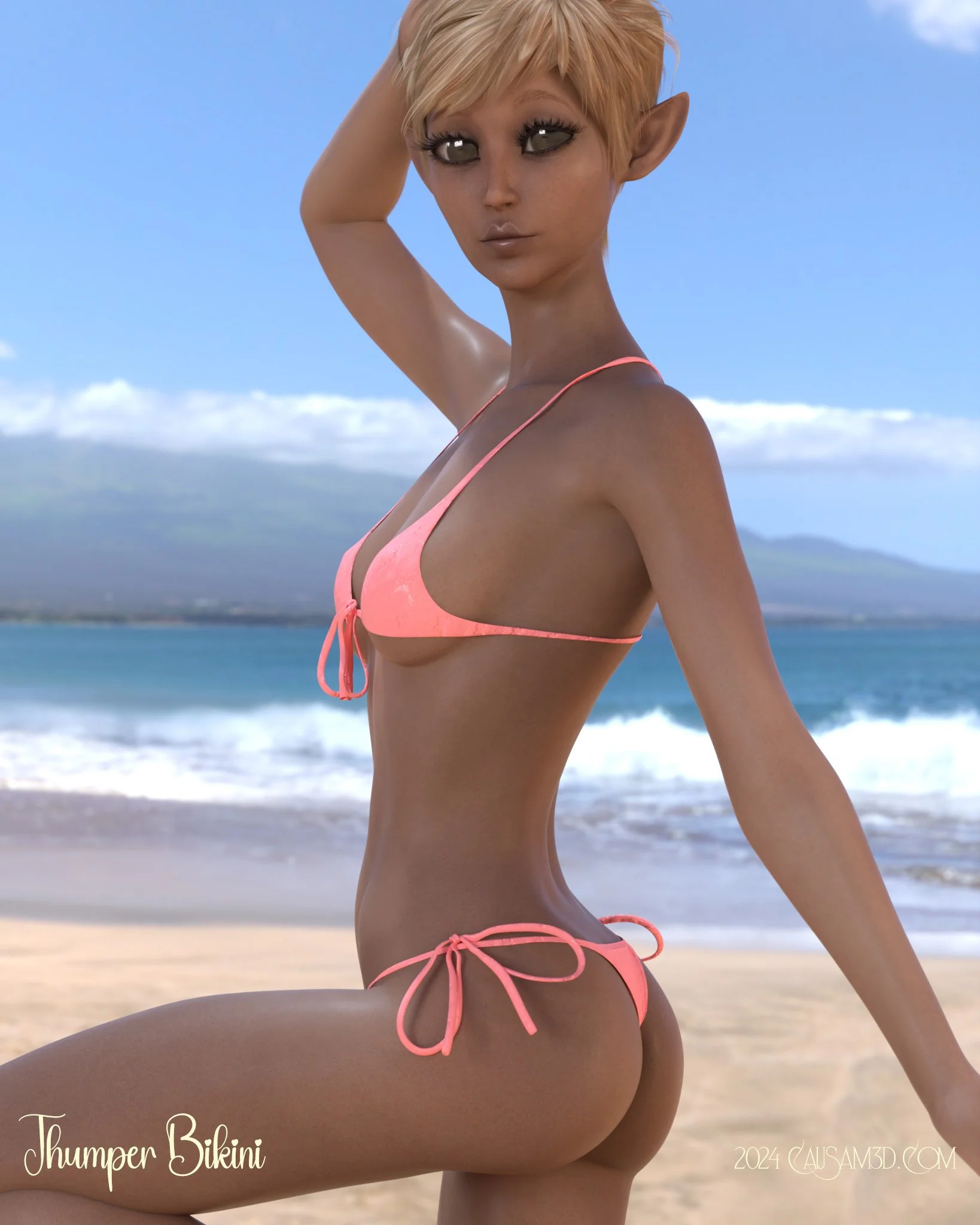
Thumper Bikini: Another in the long and fine line of Causam3d skimpy swimwear! As you have come to expect from C3D, reactive dForce will insure a proper fit and look. Thumper features a morphable front panel and bows which are optional in loading. It is altogother a highly stylistic and sexy look for any Genesis 8 Female character.
This swimsuit exhibits all of the great conformance and fit characteristics you have come to expect from Causam3D.
To install:
Unzip into your Daz3D directory, either the program folder or your "My Library" folder.
To Use:
Select your character (either a G8 or G8.1) and then load the garment then run the dForce simulation and make tweaks using the morphs.
To Find:
People >>> Genesis 8 Female >>> Clothing >>> Causam3D >>> Thumper Bikini
Optional: Simulating The Bows
When you load the Thumper Bikini wearable preset, all bows are saved so that "Visible in Simulation" is set to OFF. Do NOT simply turn those settings to ON. Instead, follow these steps.
1. After simulating the bikini in your chosen pose, select each Base pieces (Top and Bottom) and in the Parameters Tab under General --> Simulation, turn "Freeze Simulation" ON.
2. Select which bows you want to simulate and in the Parameters Tab under "Display", turn "Visible in Simulation" ON for each bow that you want to simulate.
3. In the Simulation Settings Tab, turn "Start Bones From Memorized Pose" OFF.
4. Now simulate the scene again. The only part of Thumper Bikini that will change is the bows. They will fall naturally and place themselves in the correct position for your pose.
NOTE: If you have other dForce items in your scene such as hair or other objects, make sure that before step 4 you either Freeze that object or simply hide it in the Scene Tab by clicking the eyeball icon to the left of it. This insures that you won't lose any results you worked so hard to attain previously.
Why did Causam3D do it this way?
Thumper is built to give you the maximum options. Being a bikini with bows on it is nice and some people like bows, but others would rather just have the bikini without the bows. Simply making a cutout preset to hide the bows as part of the base bikini mesh would distort the reactive dForce results that we worked very hard to perfect. However making the bows part of a wearable preset allows you to try out all options without having to reload the bikini. We think ahead when creating items with advanced features to attempt to give you, the artist the best set of options and results we can possibly give you. So you see that it actually does make sense.
Do I have to simulate the bows?
No. You can run a dForce simulation right out of the box and simply use the Universal Tool to adjust the bow position and let it go at that. We have adjusted the rigging on the bows to make the Universal Tool axis correct and easy to see. The bows load set to collide with your character, so it's easy to create a position that lies pretty naturally against her hip without clipping. Follow the TIP icon in the product folder to see how to enable the Universal Tool.
Thumper Bikini: Another in the long and fine line of Causam3d skimpy swimwear! As you have come to expect from C3D, reactive dForce will insure a proper fit and look. Thumper features a morphable front panel and bows which are optional in loading. It is altogother a highly stylistic and sexy look for any Genesis 8 Female character.
This swimsuit exhibits all of the great conformance and fit characteristics you have come to expect from Causam3D.
To install:
Unzip into your Daz3D directory, either the program folder or your "My Library" folder.
To Use:
Select your character (either a G8 or G8.1) and then load the garment then run the dForce simulation and make tweaks using the morphs.
To Find:
People >>> Genesis 8 Female >>> Clothing >>> Causam3D >>> Thumper Bikini
Optional: Simulating The Bows
When you load the Thumper Bikini wearable preset, all bows are saved so that "Visible in Simulation" is set to OFF. Do NOT simply turn those settings to ON. Instead, follow these steps.
1. After simulating the bikini in your chosen pose, select each Base pieces (Top and Bottom) and in the Parameters Tab under General --> Simulation, turn "Freeze Simulation" ON.
2. Select which bows you want to simulate and in the Parameters Tab under "Display", turn "Visible in Simulation" ON for each bow that you want to simulate.
3. In the Simulation Settings Tab, turn "Start Bones From Memorized Pose" OFF.
4. Now simulate the scene again. The only part of Thumper Bikini that will change is the bows. They will fall naturally and place themselves in the correct position for your pose.
NOTE: If you have other dForce items in your scene such as hair or other objects, make sure that before step 4 you either Freeze that object or simply hide it in the Scene Tab by clicking the eyeball icon to the left of it. This insures that you won't lose any results you worked so hard to attain previously.
Why did Causam3D do it this way?
Thumper is built to give you the maximum options. Being a bikini with bows on it is nice and some people like bows, but others would rather just have the bikini without the bows. Simply making a cutout preset to hide the bows as part of the base bikini mesh would distort the reactive dForce results that we worked very hard to perfect. However making the bows part of a wearable preset allows you to try out all options without having to reload the bikini. We think ahead when creating items with advanced features to attempt to give you, the artist the best set of options and results we can possibly give you. So you see that it actually does make sense.
Do I have to simulate the bows?
No. You can run a dForce simulation right out of the box and simply use the Universal Tool to adjust the bow position and let it go at that. We have adjusted the rigging on the bows to make the Universal Tool axis correct and easy to see. The bows load set to collide with your character, so it's easy to create a position that lies pretty naturally against her hip without clipping. Follow the TIP icon in the product folder to see how to enable the Universal Tool.