
System Requirements:
PC/MAC, Daz Studio 4
Product requirements:
Genesis 8 or 8.1 female
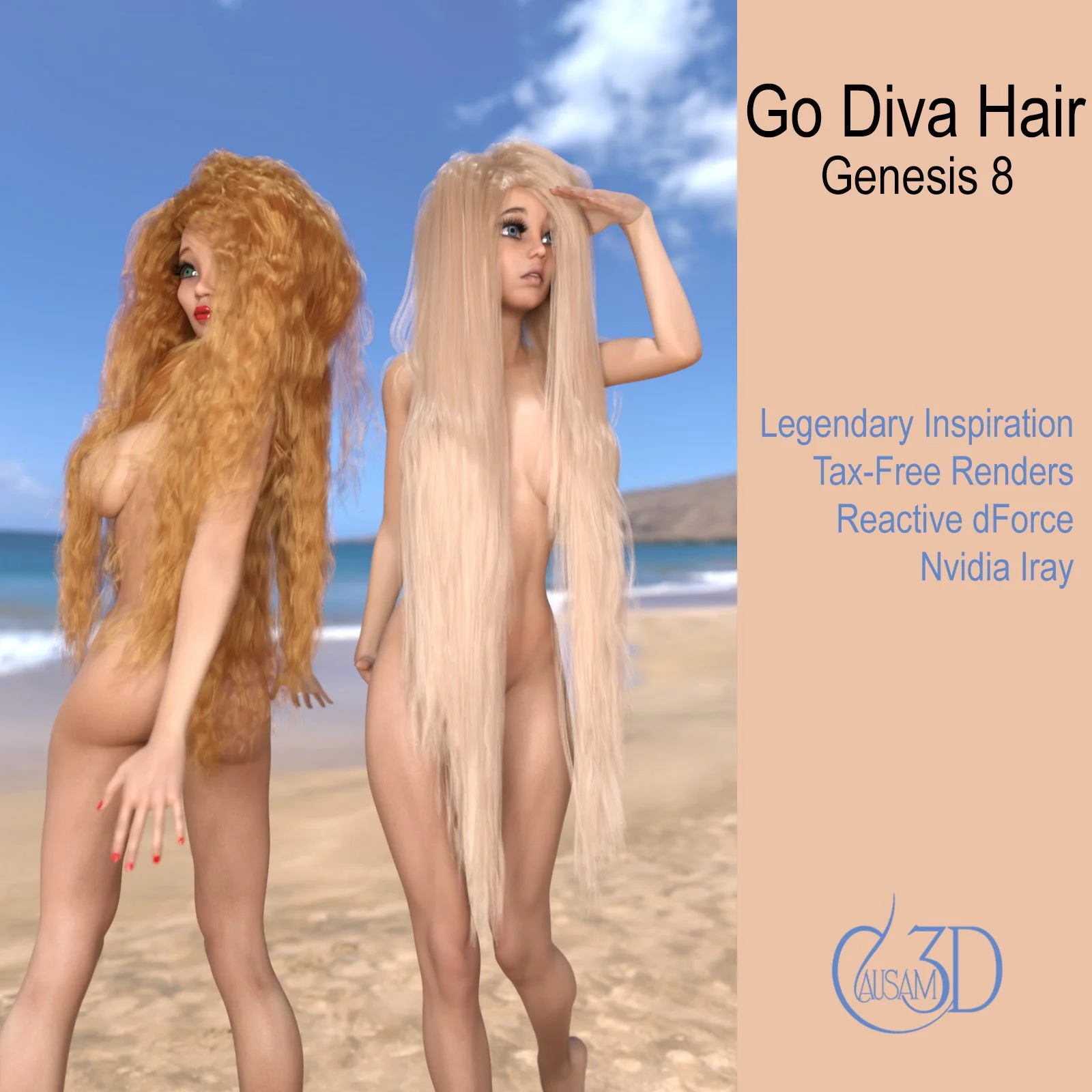
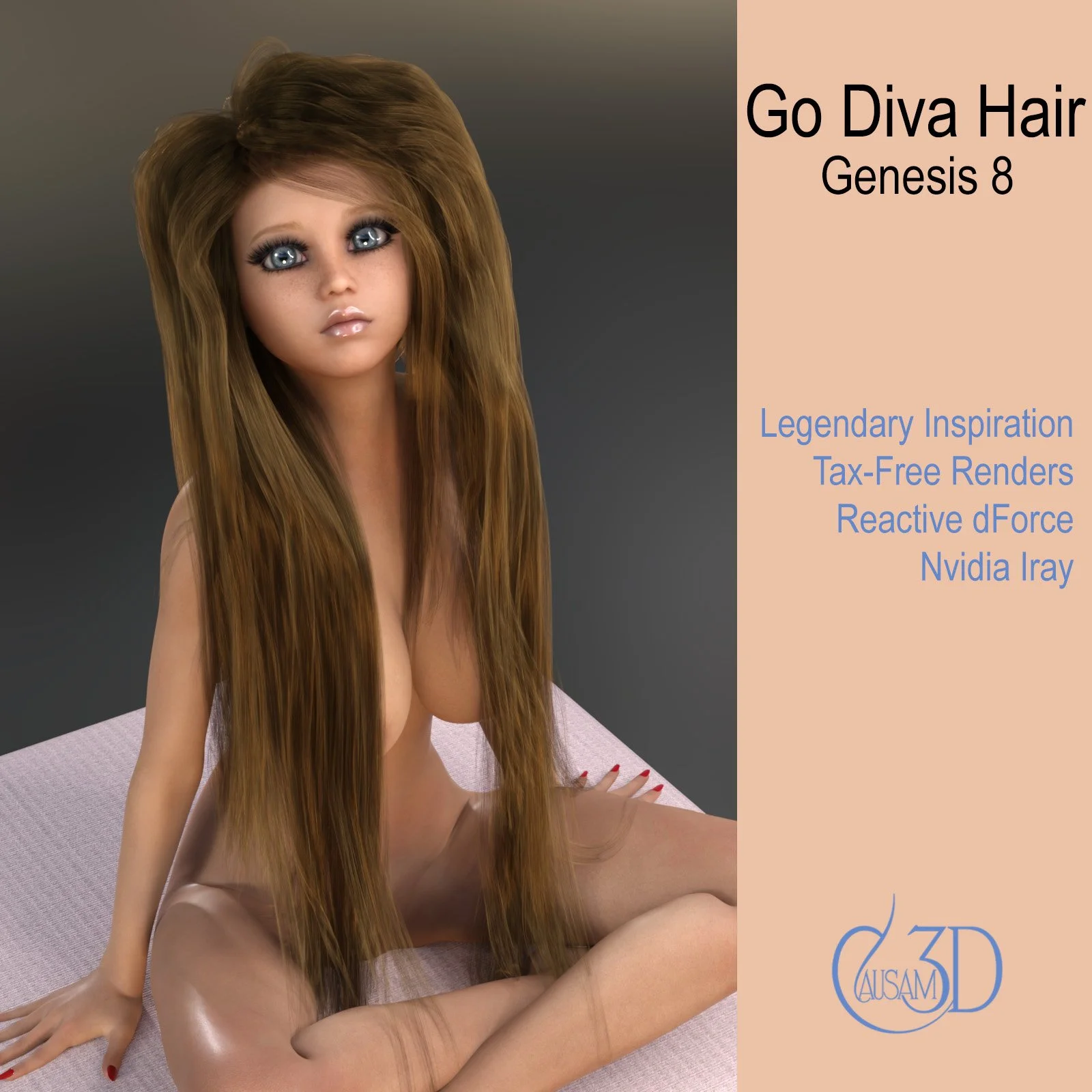
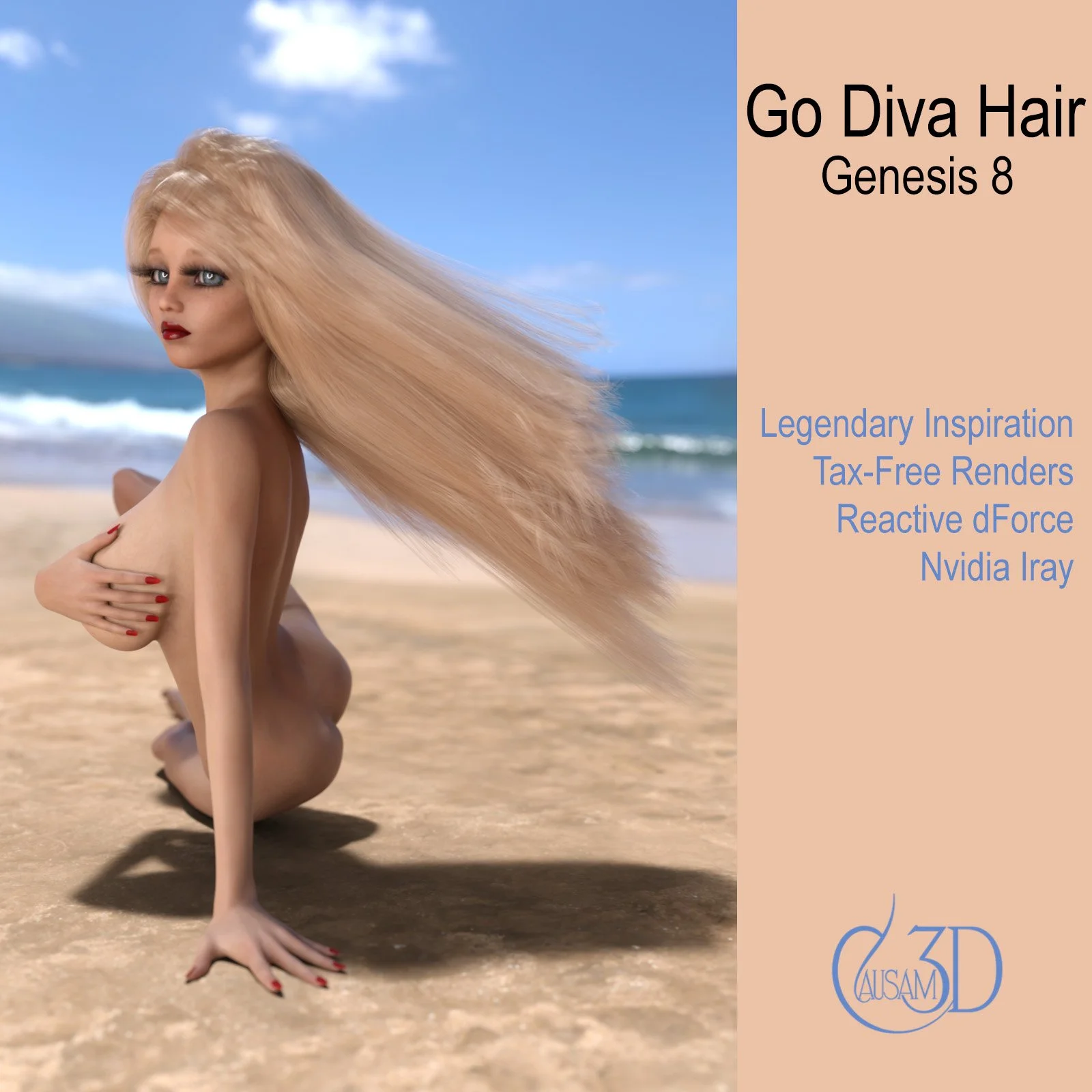
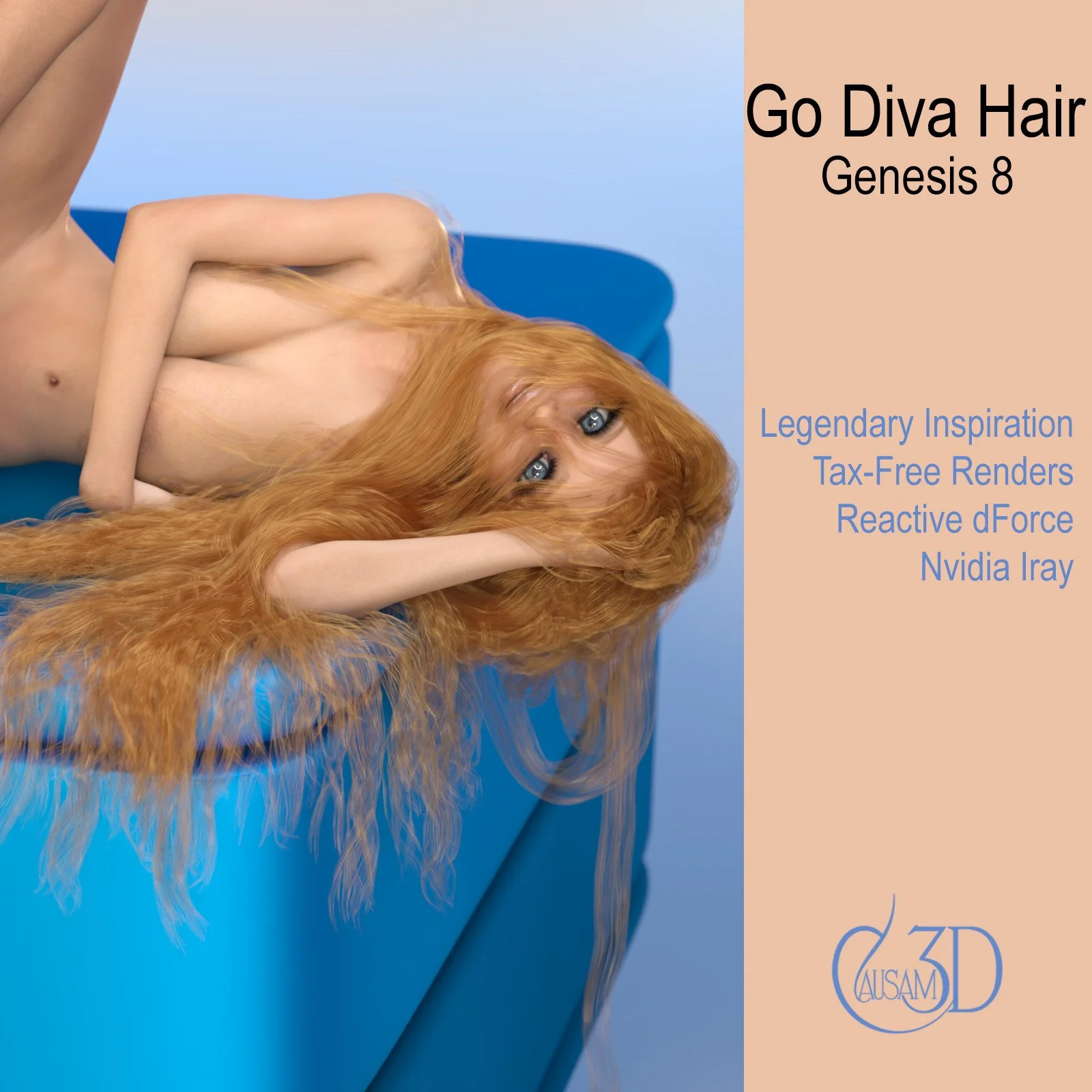
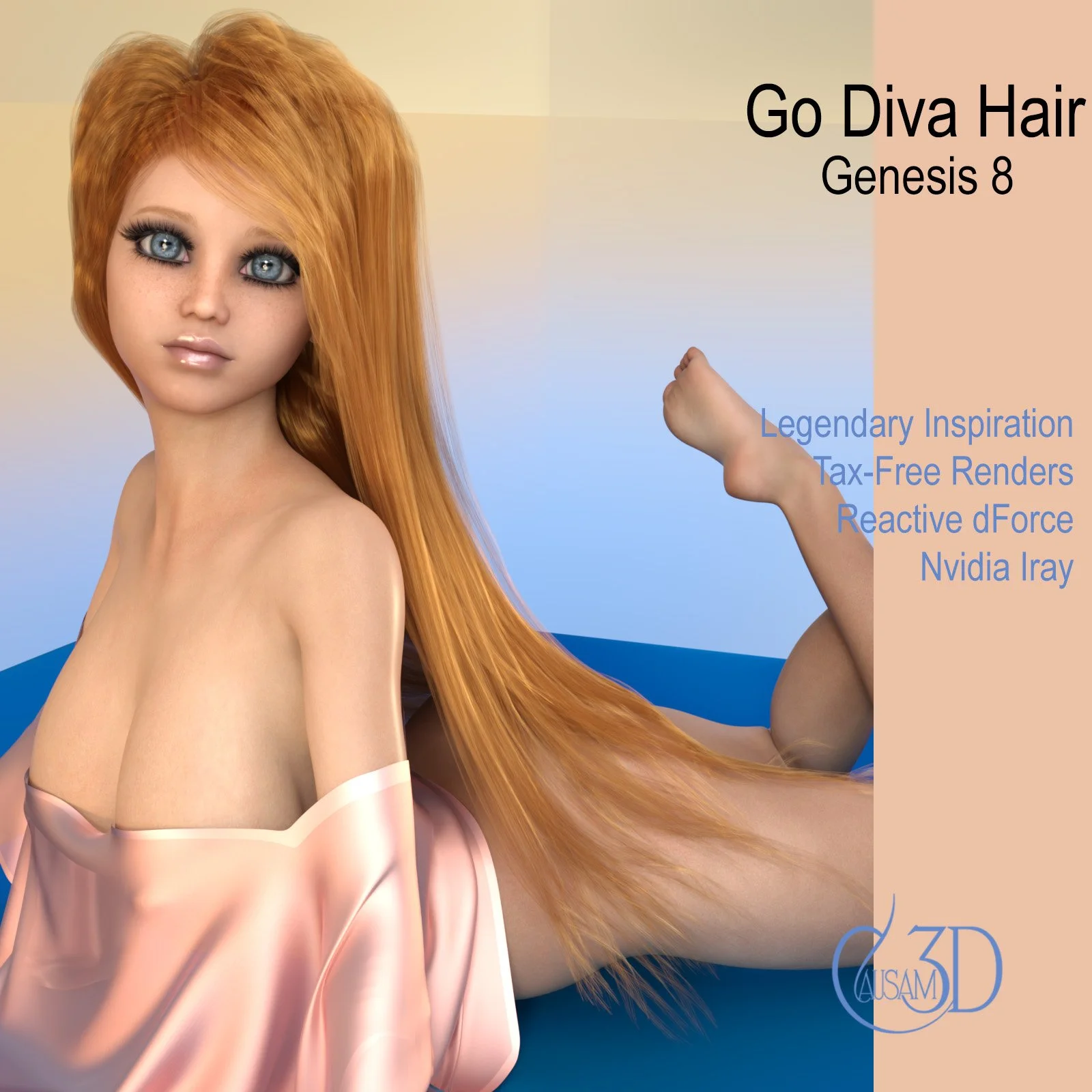
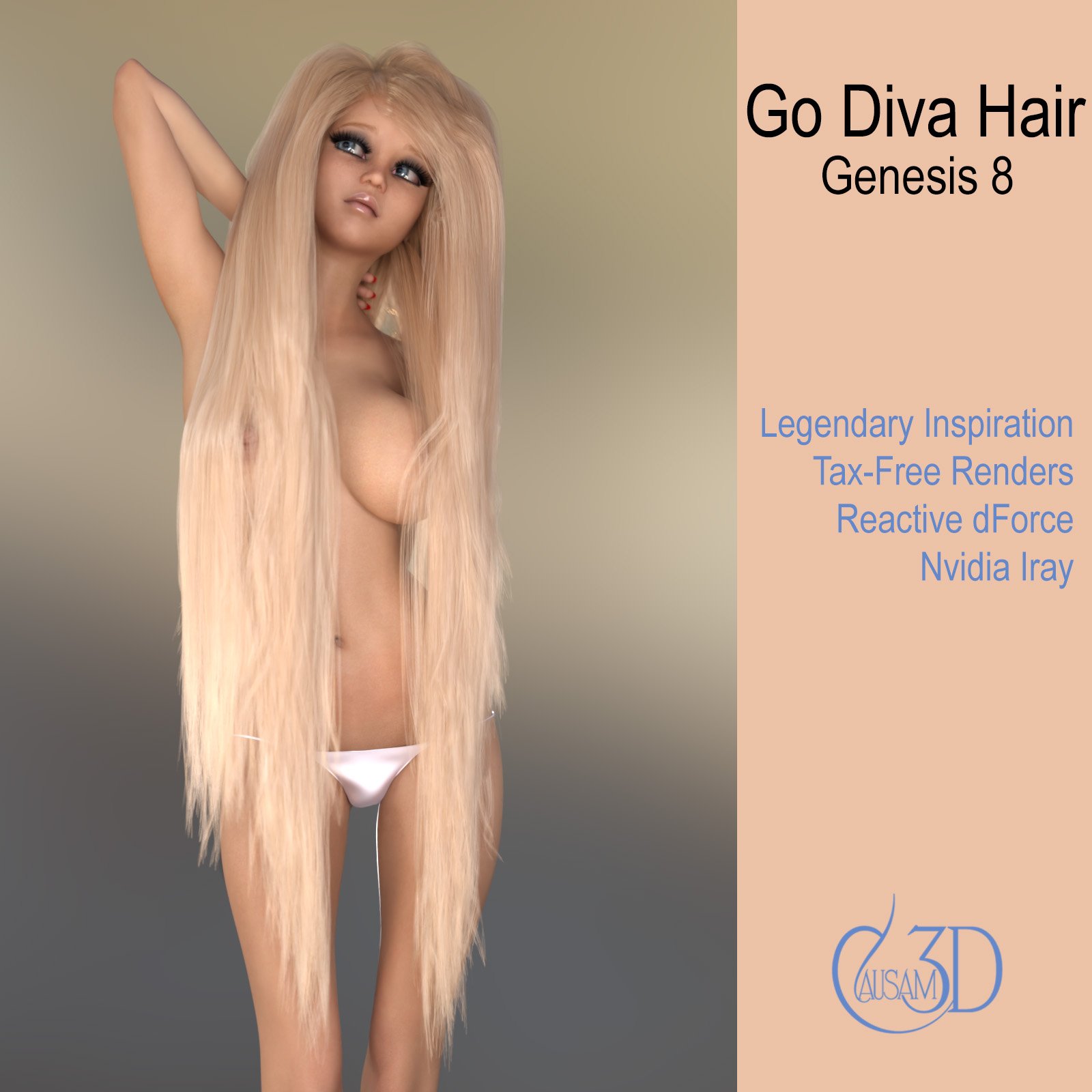
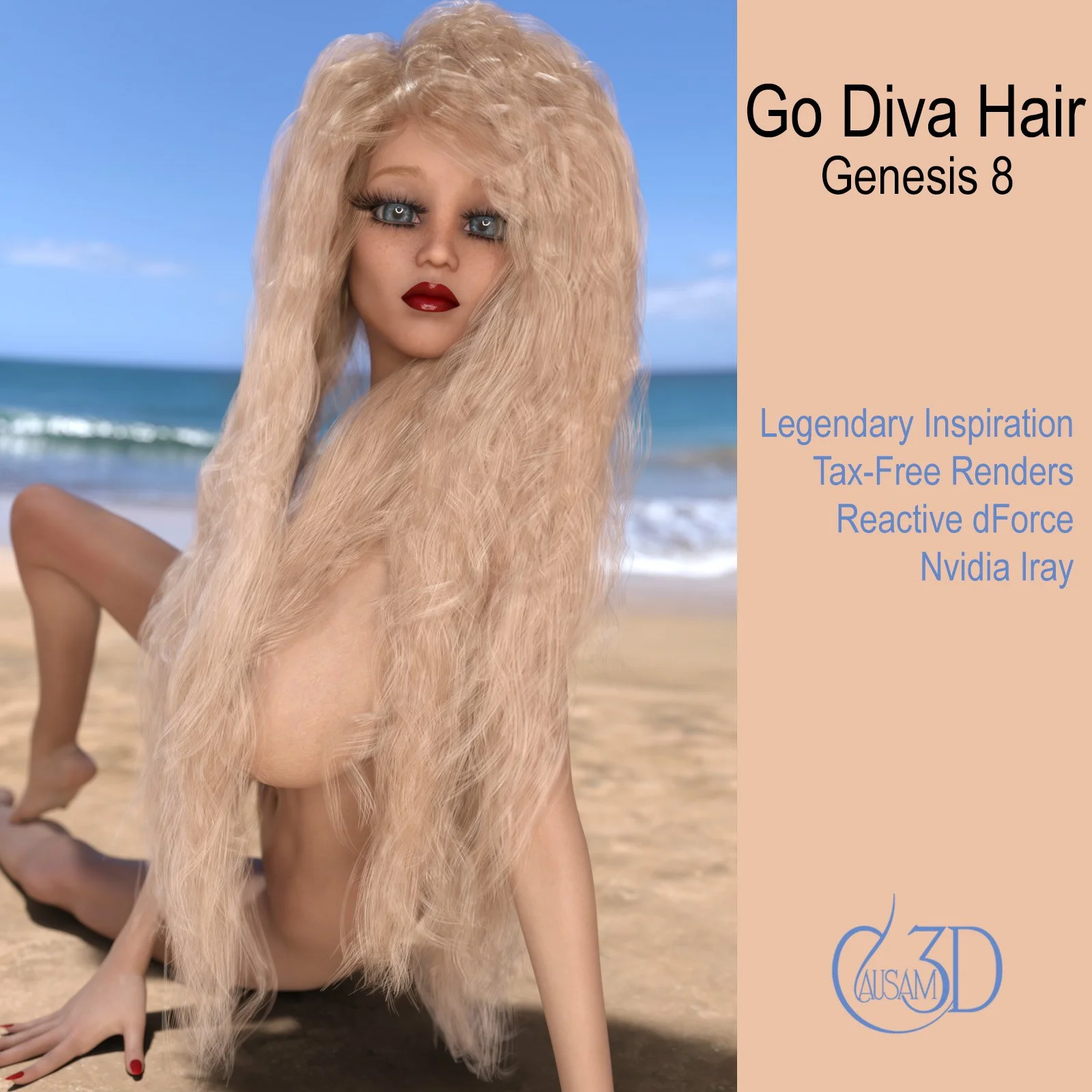
Thanks for your interest in Go Diva Hair! Go Diva Hair is a versatile dForce long hair that works extremely well on Genesis 8 female characters. This asset is the seventh character hair from our design house. Go Diva Hair was inspired by the legend of Lady Godiva, a tenth century noble woman who rode in the nude covered only by her long hair. This hair is fully morphed in terms of curl and body so that you can use it in shots with straight or curly hair. It is robust when using dForce wind nodes and plays well with other dForce items.
Iray Materials:
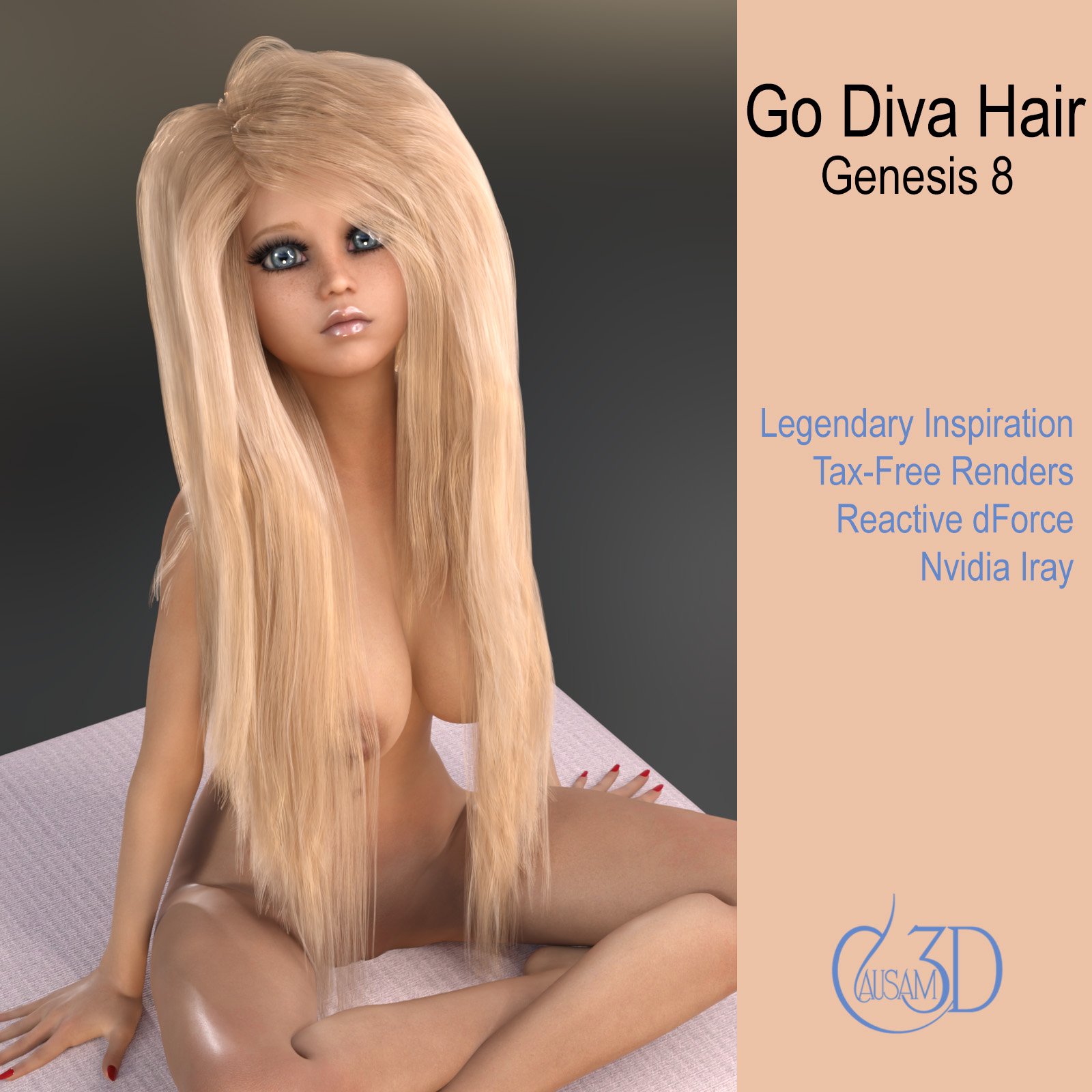
1) Blonde
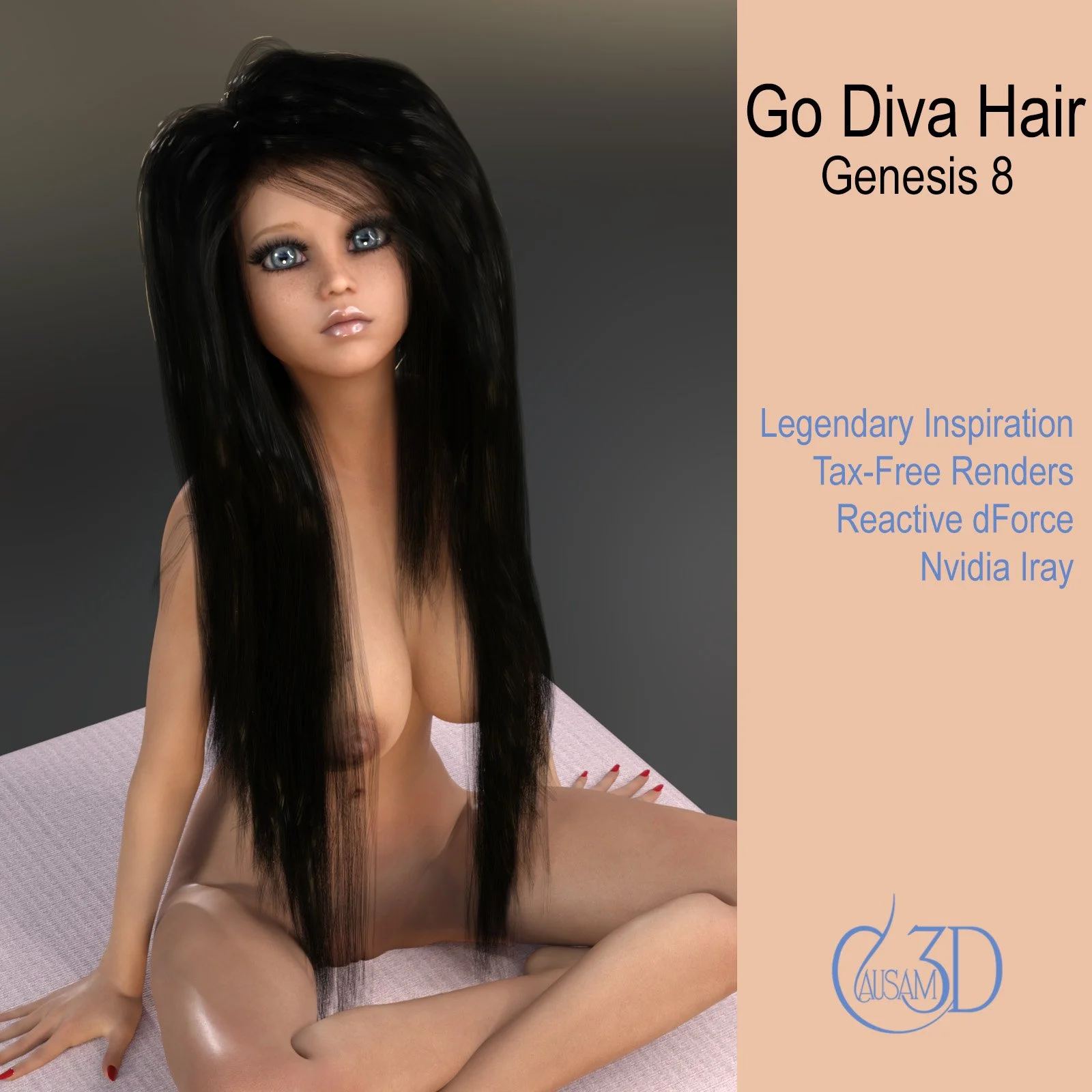
2) Brunette
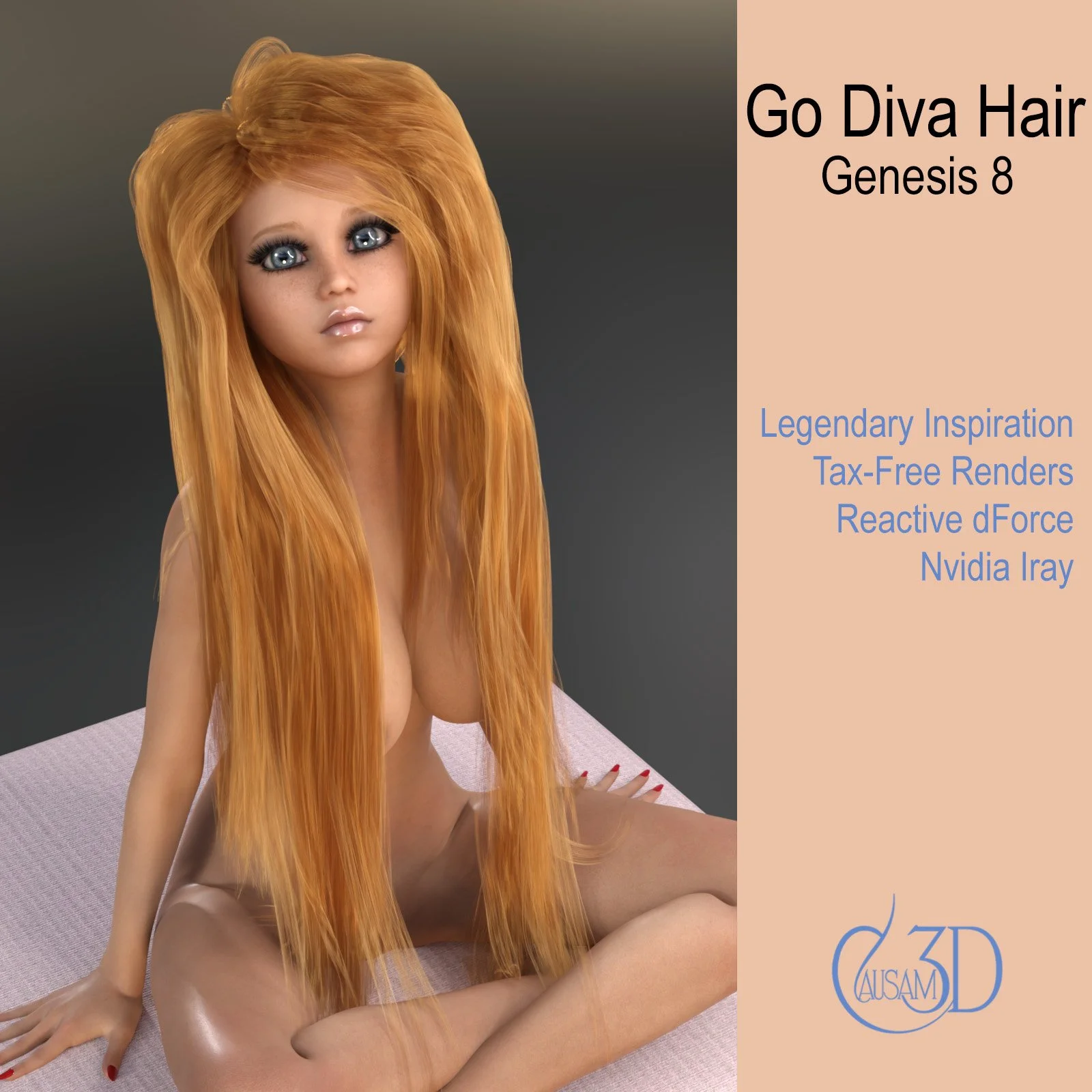
3) Redhead
4) Raven
Using the Hair
1. Choose your character in the "Scene" tab.
2. Navigate to Go Diva Hair in your assets folder, where you installed it.
3. Load the hair.
4. We recommend that you use the default dForce scene settings and dial in ONLY YELLOW morphs before simulating. Blue morphs are for hair volume and curl. They operate best after simulating, and may slow your simulation down if dialed in before you simulate.
5. Choose a hair color.
6. Render!
Tips:
Be confident in this dForce hair prop. It will fall naturally in any pose, and withstand any reasonable dForce wind node settings out of the box.
Ownership Statement:
Created and owned by Causam3D
System Requirements:
PC/MAC, Daz Studio 4
Product requirements:
Genesis 8 or 8.1 female
Thanks for your interest in Go Diva Hair! Go Diva Hair is a versatile dForce long hair that works extremely well on Genesis 8 female characters. This asset is the seventh character hair from our design house. Go Diva Hair was inspired by the legend of Lady Godiva, a tenth century noble woman who rode in the nude covered only by her long hair. This hair is fully morphed in terms of curl and body so that you can use it in shots with straight or curly hair. It is robust when using dForce wind nodes and plays well with other dForce items.
Iray Materials:
1) Blonde
2) Brunette
3) Redhead
4) Raven
Using the Hair
1. Choose your character in the "Scene" tab.
2. Navigate to Go Diva Hair in your assets folder, where you installed it.
3. Load the hair.
4. We recommend that you use the default dForce scene settings and dial in ONLY YELLOW morphs before simulating. Blue morphs are for hair volume and curl. They operate best after simulating, and may slow your simulation down if dialed in before you simulate.
5. Choose a hair color.
6. Render!
Tips:
Be confident in this dForce hair prop. It will fall naturally in any pose, and withstand any reasonable dForce wind node settings out of the box.
Ownership Statement:
Created and owned by Causam3D